Phone, TeamViewer & Live-Video Assistance

Call First.
Diagnose Remotely.

Many CNC machine problems can be resolved—or accurately evaluated—before a service engineer travels. Branin Automation begins with practical phone troubleshooting, then uses remote connection or live video when it adds value.

The practical first response

Resolve the Problem Remotely—or Know Exactly What Comes Next

A phone conversation often reveals whether the issue is operational, electrical, hydraulic, control-related or likely to require parts and onsite service. When more visibility is needed, Branin Automation can connect to supported controls or use live video to inspect alarms, machine behavior and components with qualified customer personnel.

Phone FirstComplimentary initial troubleshooting
TeamViewerDirect VisiTouch diagnostics where available
Live VideoWhatsApp or Messenger assistance
Clear Next StepRemote resolution or informed onsite dispatch

How support is delivered

The Right Tool for the Machine and the Problem

Remote support is adapted to the control platform, available connectivity, the customer’s maintenance capability and the safety of the requested checks.

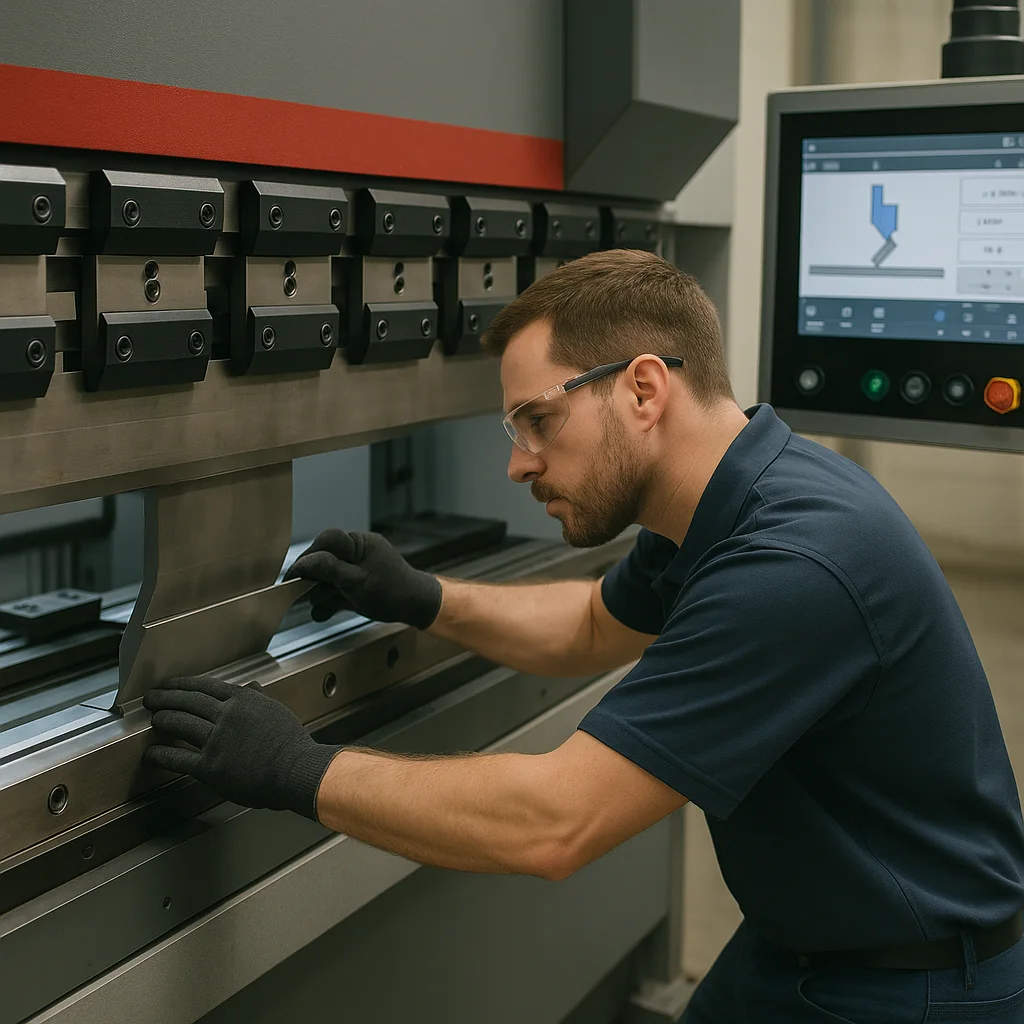
Experienced CNC field service engineer providing technical assistance
01

Phone Troubleshooting First

Describe the machine, control, alarm messages, recent events and what the operator observes. Many issues can be corrected during this initial conversation, and others can be narrowed down before parts or travel are arranged.
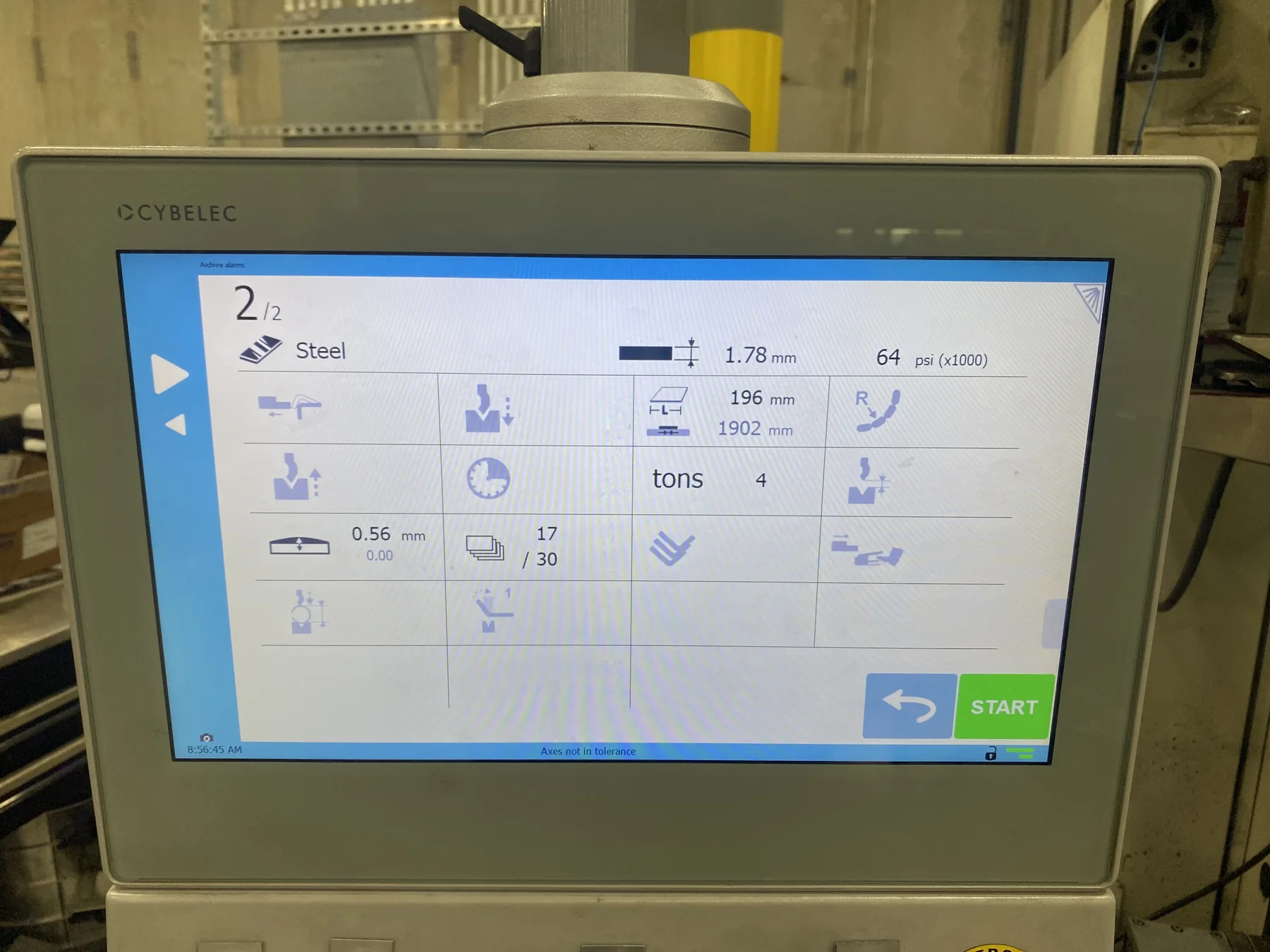
CYBELEC VisiTouch CNC press brake control used for remote diagnostics
02

VisiTouch TeamViewer Connection

On supported CYBELEC VisiTouch controls with internet access, TeamViewer can provide direct visibility into the control for alarm review, software assistance, program checks, diagnostics and guided corrective action.

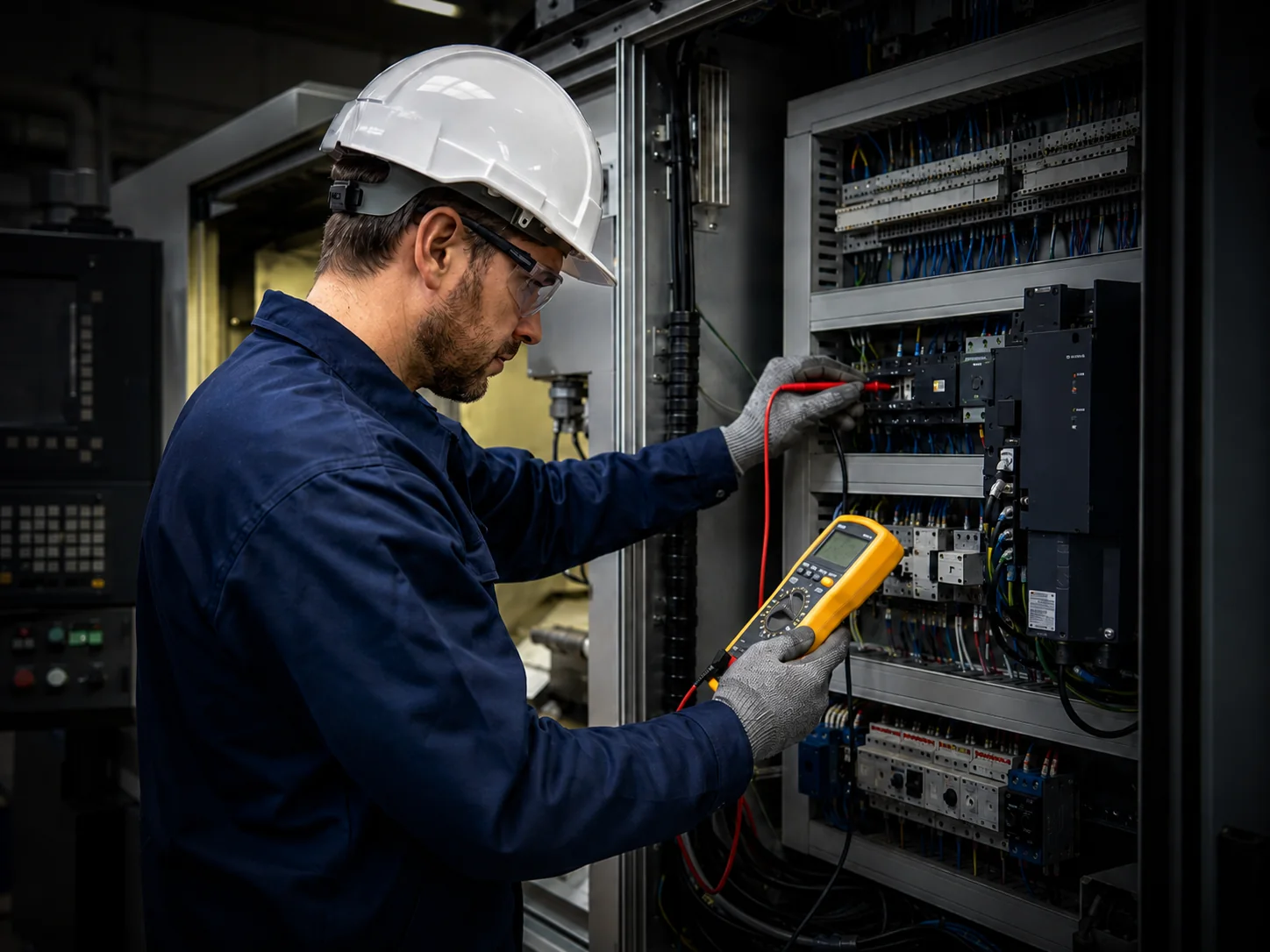
Technician inspecting a CNC electrical cabinet while receiving remote assistance
03

WhatsApp or Messenger Video

For older controls and newer systems without direct remote access, live video can show the control screen, indicators, wiring, hydraulic behavior or machine movement while Branin Automation guides qualified personnel through appropriate checks.

A disciplined support process

From First Call to Resolution

01

Identify the Machine

Manufacturer, model, serial number, control type and customer location.

02

Review the Symptoms

Alarm text, when the problem occurs, recent changes and production impact.

03

Select the Best Method

Phone guidance, TeamViewer, live video or a combination of these tools.

04

Perform Safe Checks

Qualified personnel complete appropriate observations and tests under guidance.

05

Confirm the Result

Verify machine function, repeatability and whether production can resume.

06

Plan Onsite Service

When required, dispatch with better information about likely parts, tools and time.

Common remote-support applications

Problems That Can Often Be Evaluated Remotely

Remote support is particularly useful when the machine can communicate what is wrong through alarms, diagnostics, control screens or repeatable behavior.

Alarm & Control Messages

Review alarm history, status screens, interlock conditions and operating sequences.

Reference & Position Problems

Evaluate homing, offsets, axis status, parameter conditions and repeatable position errors.

Programs & Control Operation

Assist with program setup, control navigation, software functions and operator questions.

Backups & Parameters

Help locate, review or preserve machine parameters, programs and control data where supported.

Electrical Observations

Use video to review indicators, relays, contactors, connectors and cabinet conditions with qualified personnel.

Hydraulic & Mechanical Symptoms

Observe machine motion, pressure behavior, leaks, noises and repeatable sequence failures.

Branin Automation technician performing onsite CNC machine service

When remote support is not enough

Some Problems Require Hands-On Service

Remote troubleshooting is used to solve what can be solved safely and to avoid unnecessary travel. It is not a substitute for physical repair, precision alignment, component replacement or work that requires specialized instruments and direct access to the machine.

  • Mechanical disassembly, alignment or adjustment
  • Servo tuning or calibration requiring onsite instruments
  • Electrical repairs involving hazardous energy
  • Hydraulic component replacement or pressure setting
  • Safety-system faults that cannot be verified remotely
  • Intermittent problems that require extended onsite observation

Safety first: Remote guidance is limited to tasks that can be performed safely by qualified personnel. Branin Automation may stop a remote session and recommend onsite service whenever conditions, qualifications or available information make remote work inappropriate.

Before you call

Information That Helps Us Diagnose Faster

01Machine identificationManufacturer, model, serial number and control type.
02Exact alarm textPhotos or screenshots are helpful when available.
03What changedRecent repairs, power loss, parameter changes or operator events.
04Repeatable sequenceExplain exactly when the fault appears and what the machine does.
05Internet or video accessConfirm whether TeamViewer, WhatsApp or Messenger is available.
06Qualified personnelHave a maintenance technician present when guided checks may be required.

Straightforward support

Phone Support First. Extended Remote Support When Needed.

Initial phone support is complimentary. When the issue requires an extended TeamViewer or live-video session, remote technical support is billed at the current remote-support rate. If onsite service is required, Branin Automation will discuss scheduling, travel and the likely scope before dispatch whenever possible.

Initial Phone SupportComplimentary

Discuss the problem and determine the most practical next step.

Extended Remote Session$100 / Hour

TeamViewer, live video and guided technical troubleshooting.

Onsite Field ServiceScheduled as Required

Hands-on repair, testing, alignment, replacement and commissioning.

Machine Problem?

Start With a Phone Call.

We will help determine whether the issue can be resolved remotely or requires an onsite service visit.